When resetting your password, you might see the following error message after submitting your email address :
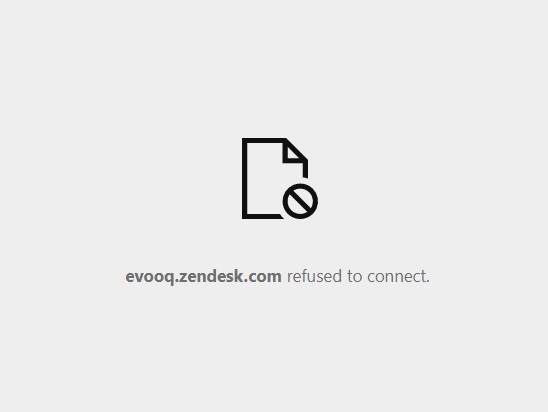
This issue can occur when the browser blocks third-party cookies.
Make sure the browser allows third-party cookies, at least from Zendesk.
The process is to go into your browser settings and enable third-party cookies.
If your browser has ad blockers, turn them off to see if they allow you to sign in.
Some ad blockers have a list of exceptions.
If that's the case, add evooq.zendesk.com to the list of allowed exceptions.
If it is still not working, please send an email to support@evooq.ch